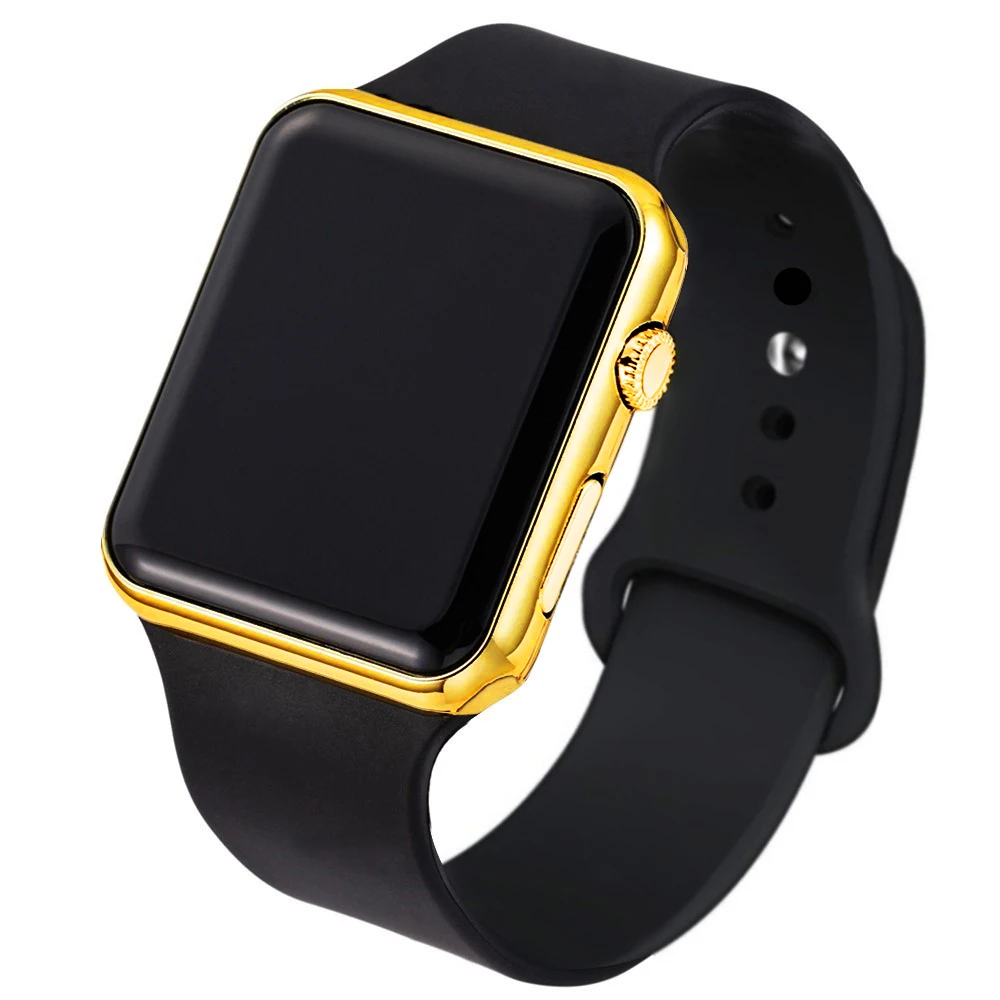
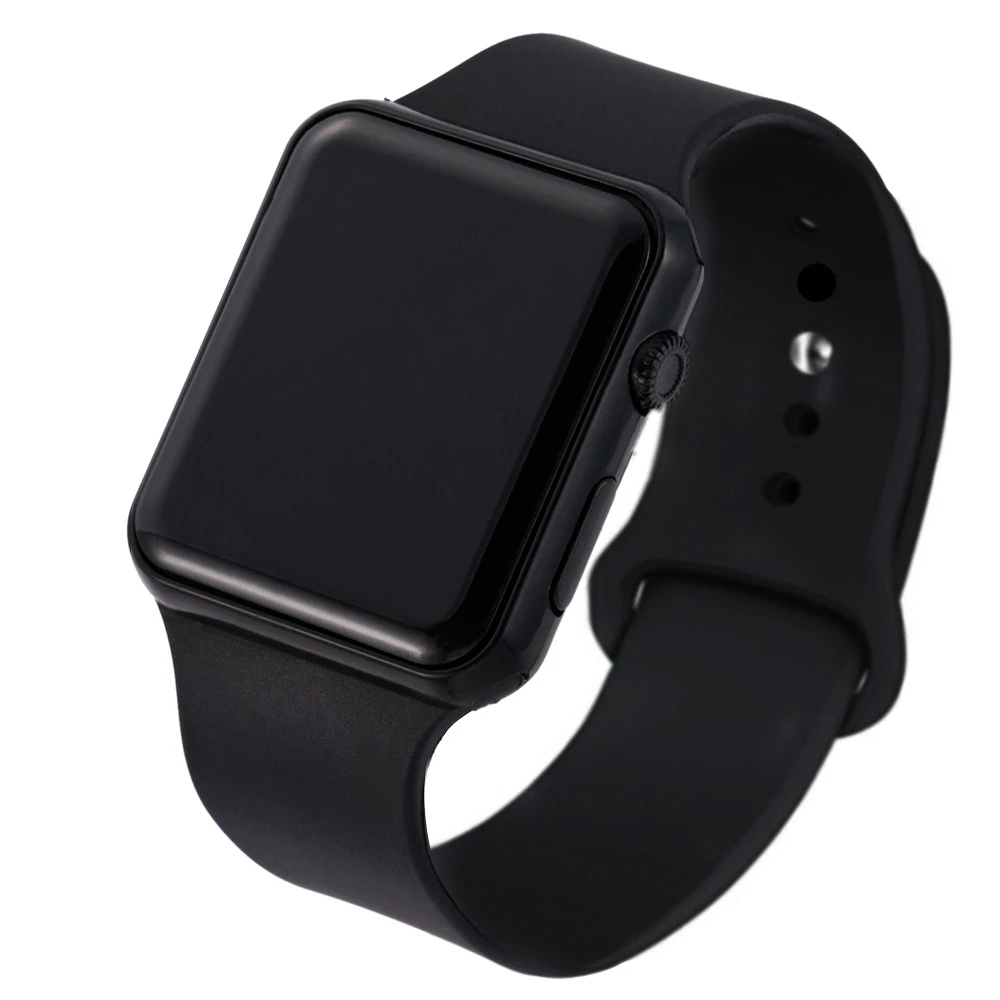
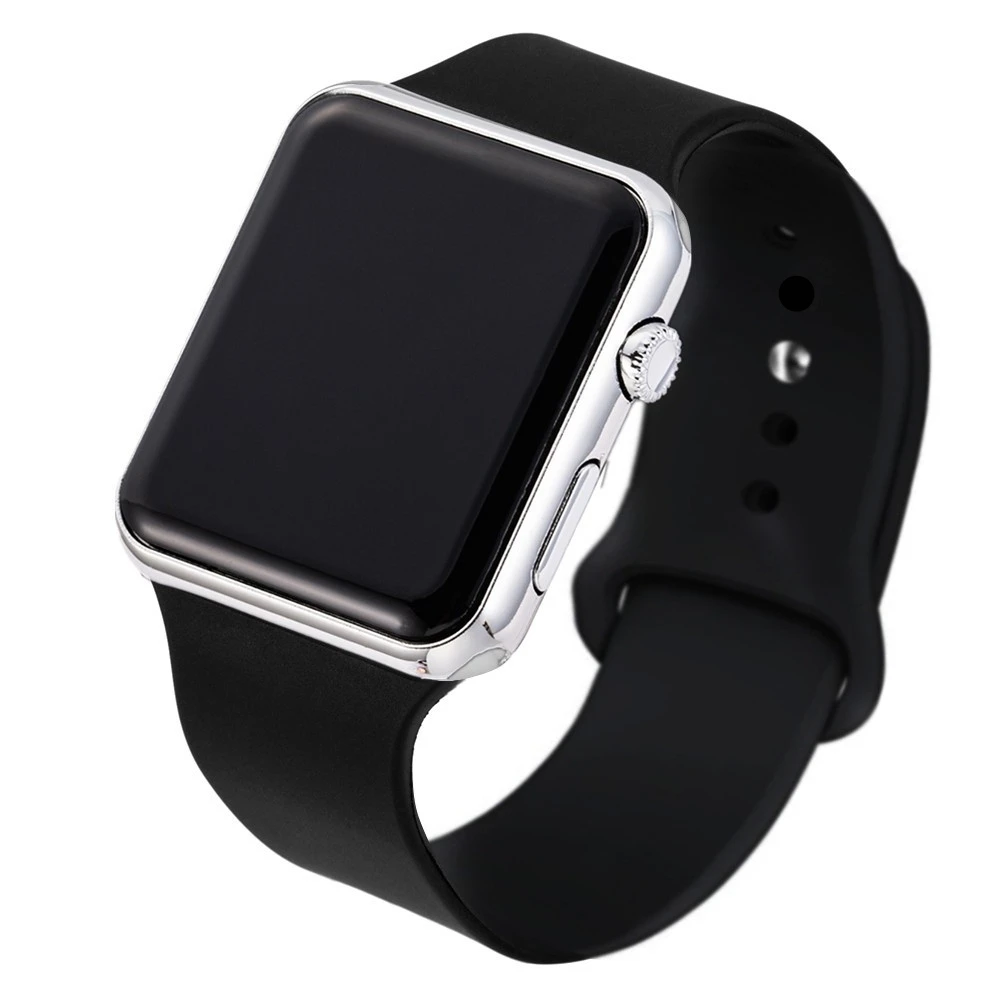
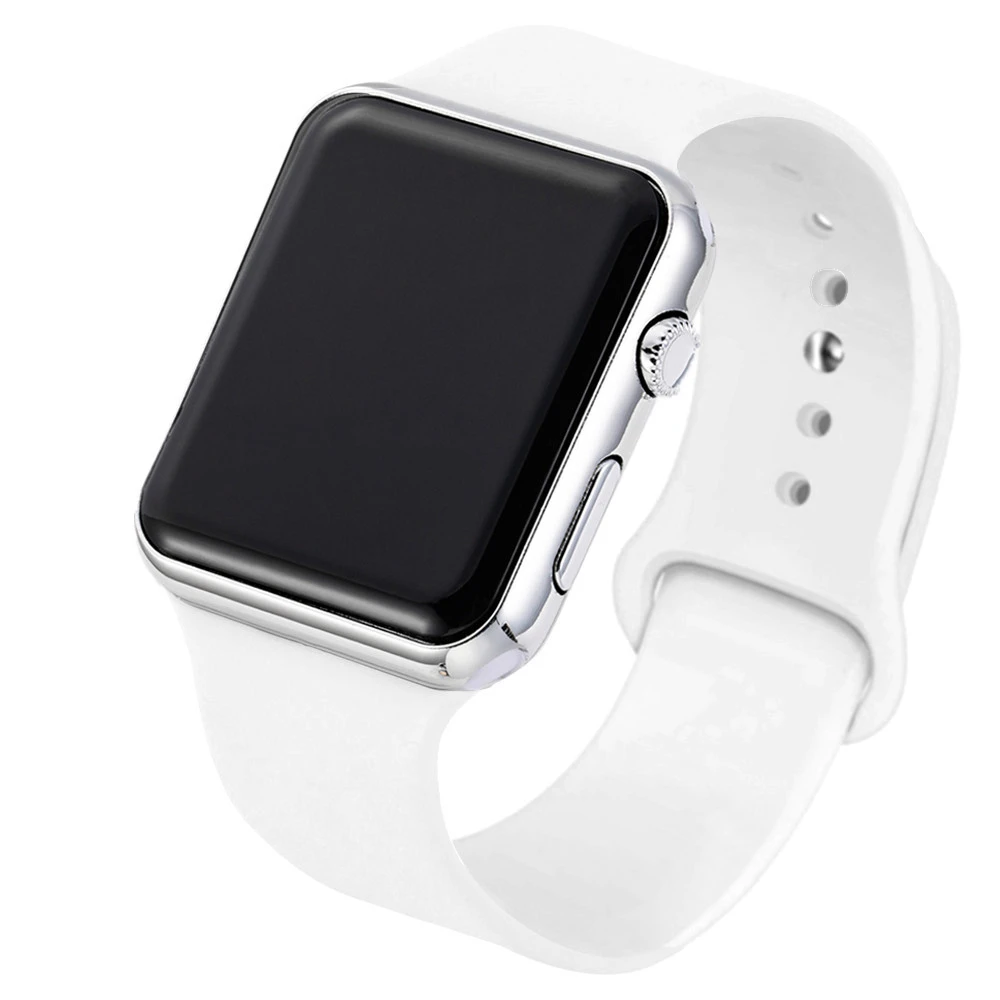
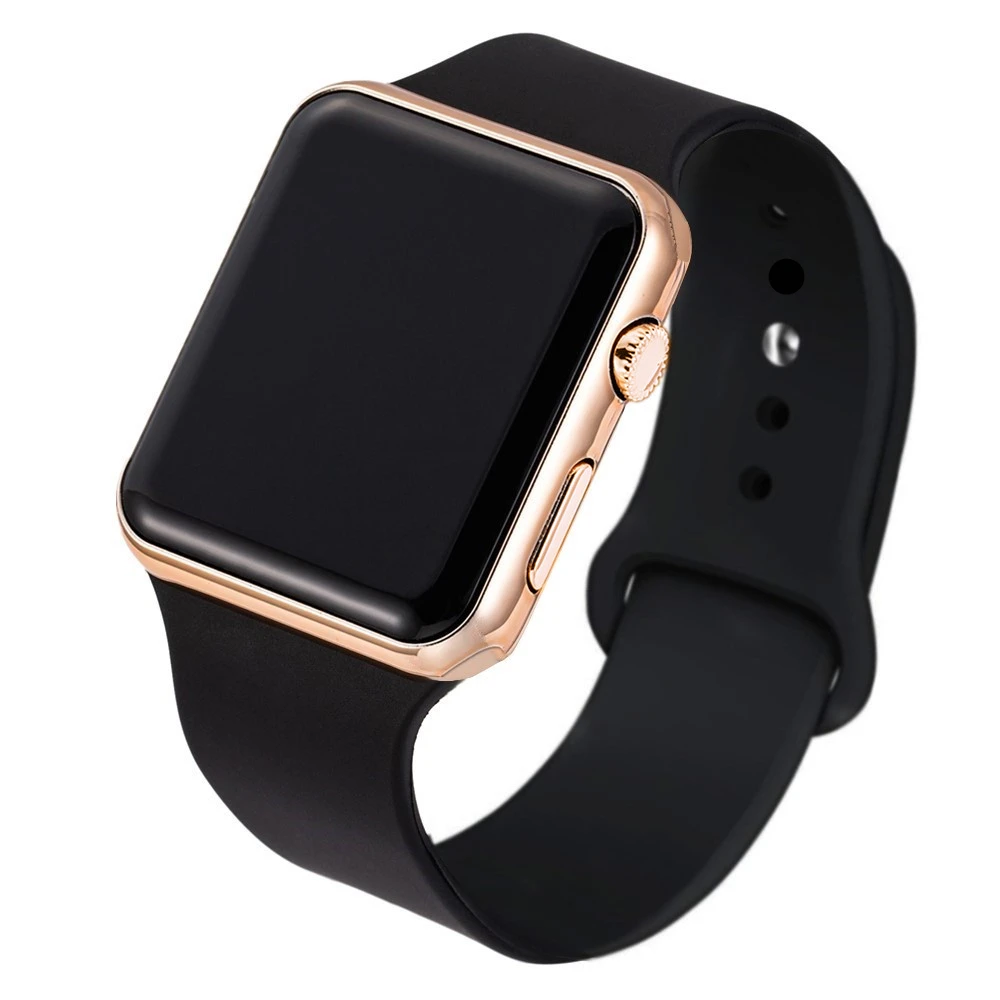
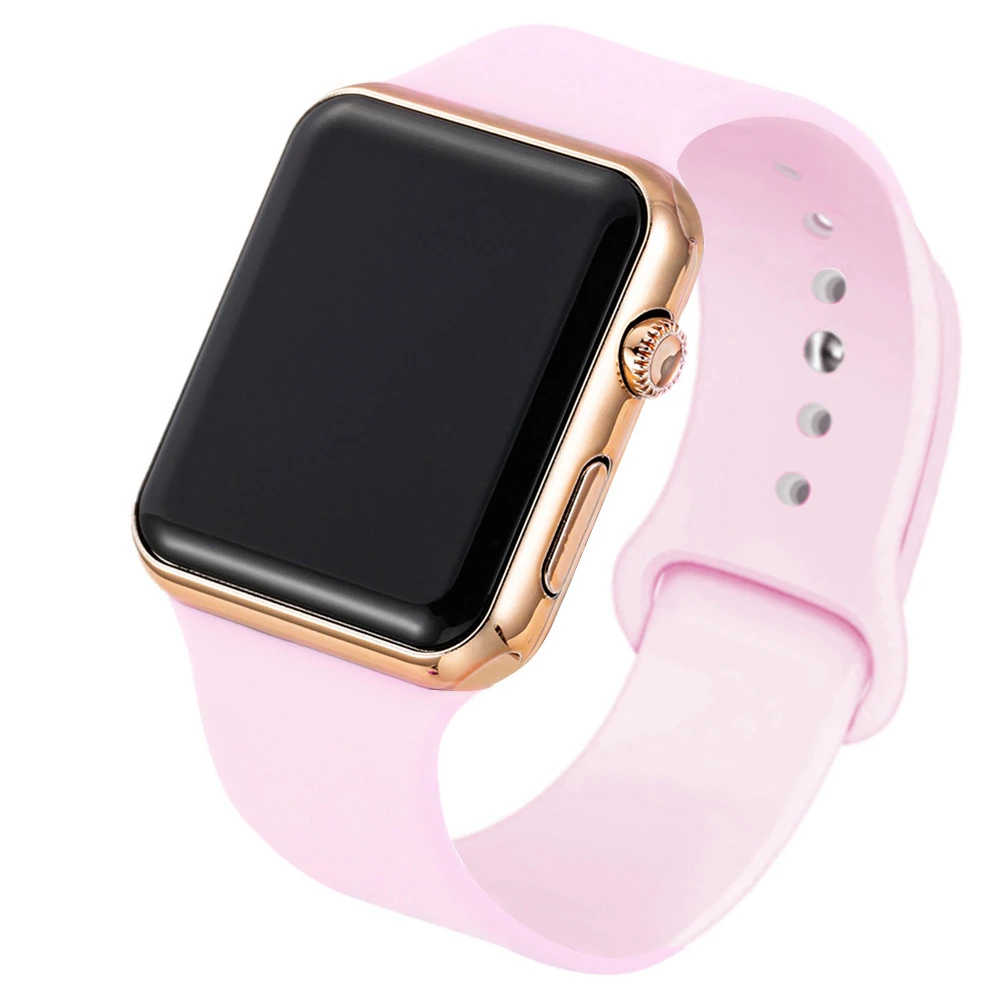
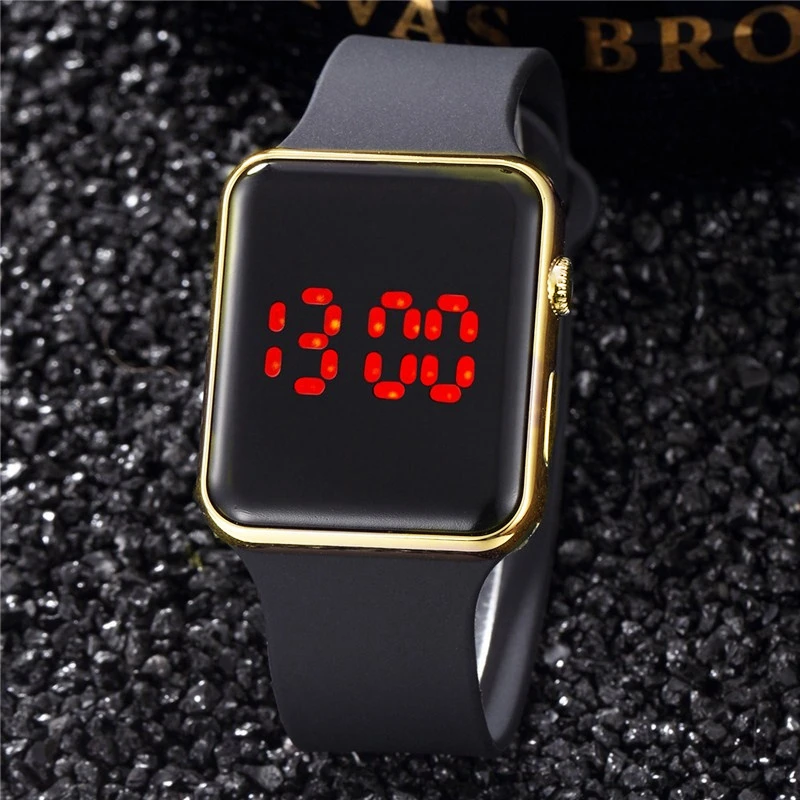
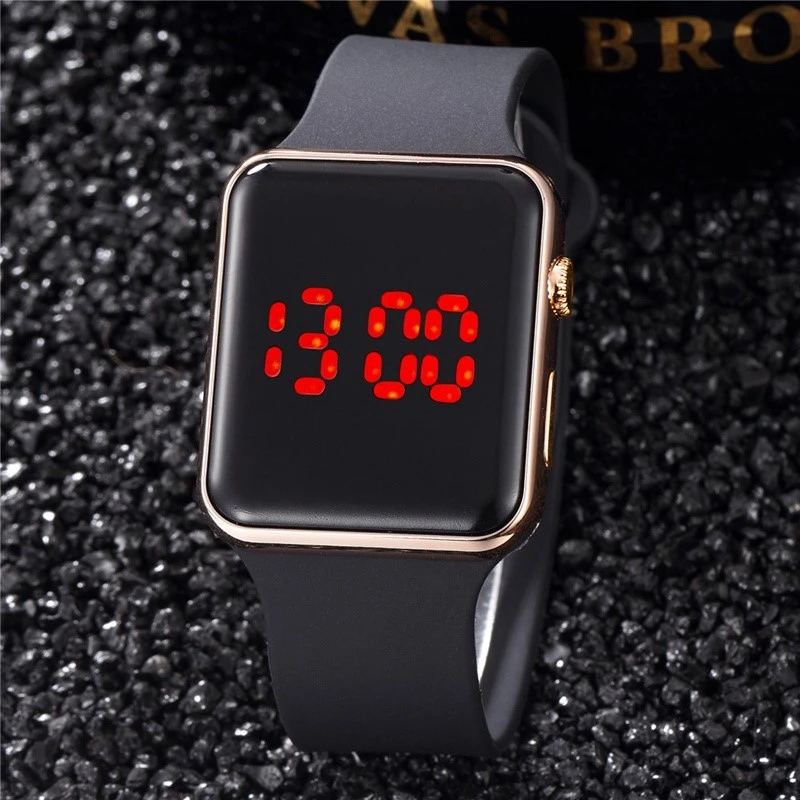
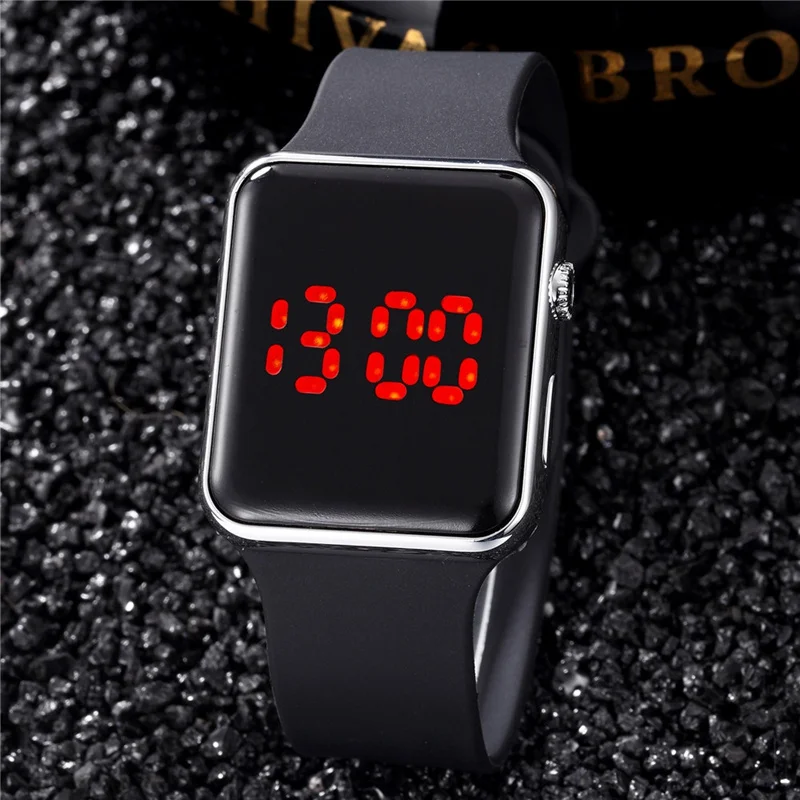
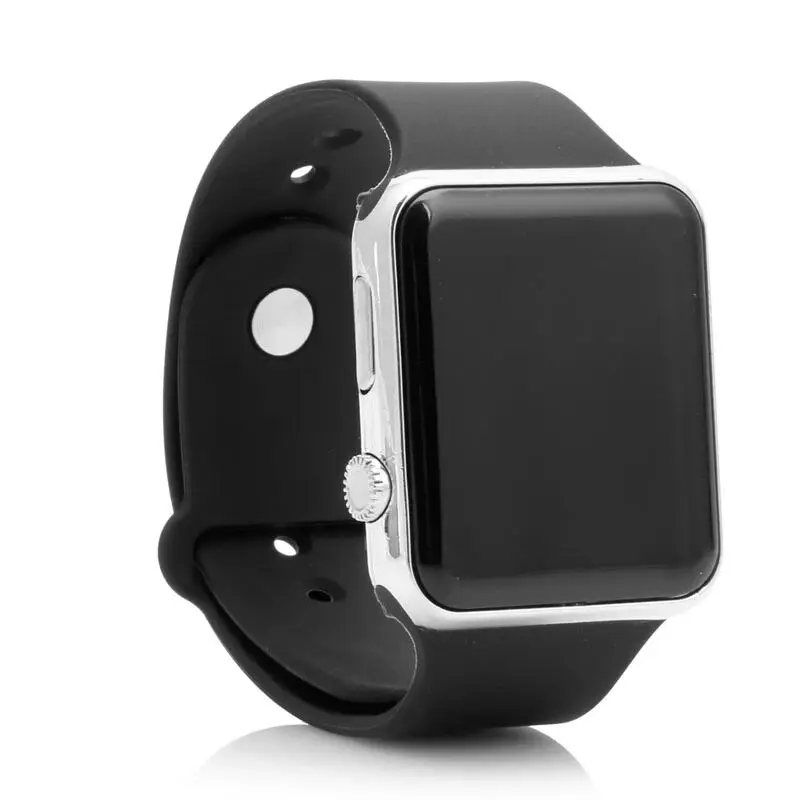
Fashion Women’s Digital Watch Simple Square LED Electronic Wrist Watch for Men Woman Casual Sports Couple Watches Montre Femme
Price range: $9.55 through $9.70 & Free Shipping
Free shipping on orders over $50!
- Satisfaction Guaranteed
- No Hassle Refunds
- Secure Payments
Description
- High-concerned chemical: none
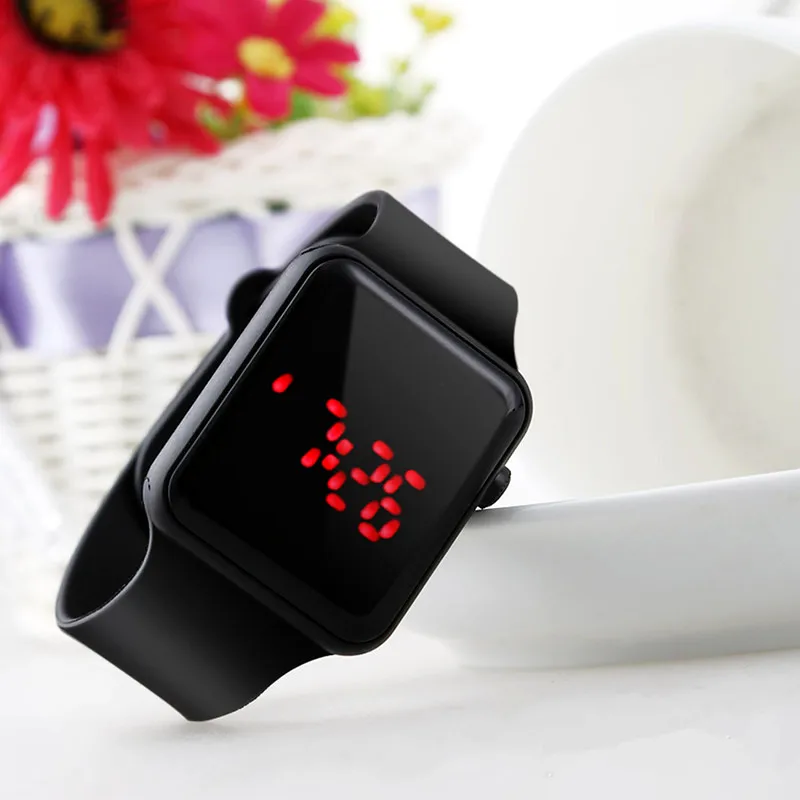
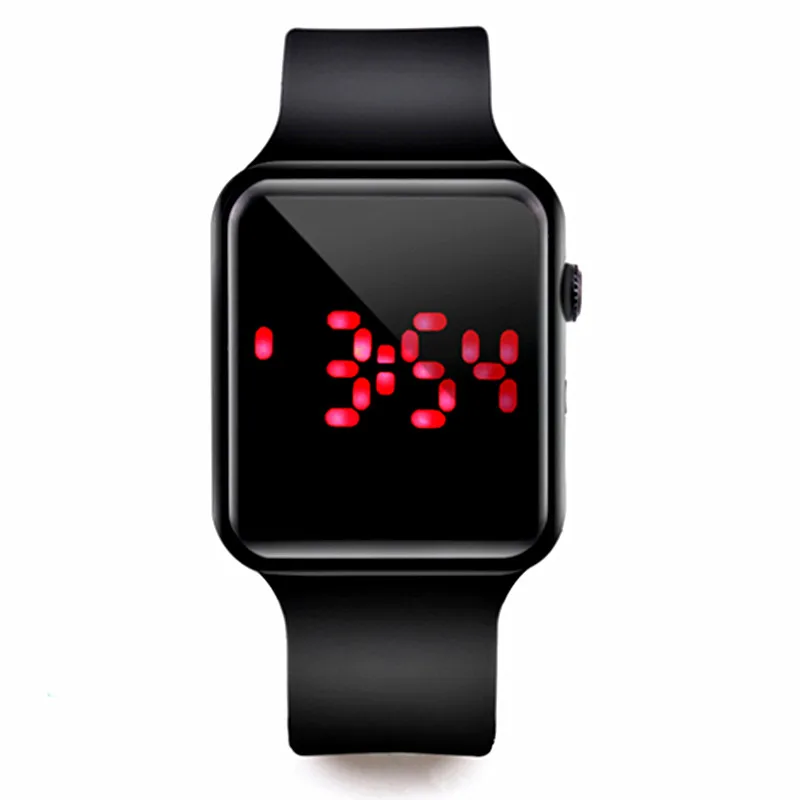
- Display Type: Digital
- Case Shape: Square
- Wireless: N
- Battery Included: Yes
- Dial Window Material Type: Acrylic
- Boxes & Cases Material: No package
- Dial Diameter: 35mm
- Rechargeable Battery Included: No
- Voltage: <36V
- Case Thickness: 8mm
- Band Length: 25cm
- Band Width: 22mm
- Band Material Type: Silicone
- Model Number: digital watch
- Feature: Led Display
- Style: Fashion & Casual
- Water Resistance Depth: 3Bar
- Clasp Type: Buckle
- Case Material: Acrylic
- Movement: Digital
- Brand Name: TINUORA
- Origin: Mainland China
- Certification: NONE
- 1: reloj digital
- 2: digital watch
- 3: reloj digital mujer
- 4: watches for woman
- 5: reloj mujer
- 6: relogio feminino
- 7: reloj para mujer
- 8: ladies watches
Description
Dial:
-Shape of the dial: Square
-Movement type: Electronic
-Display type: Digital
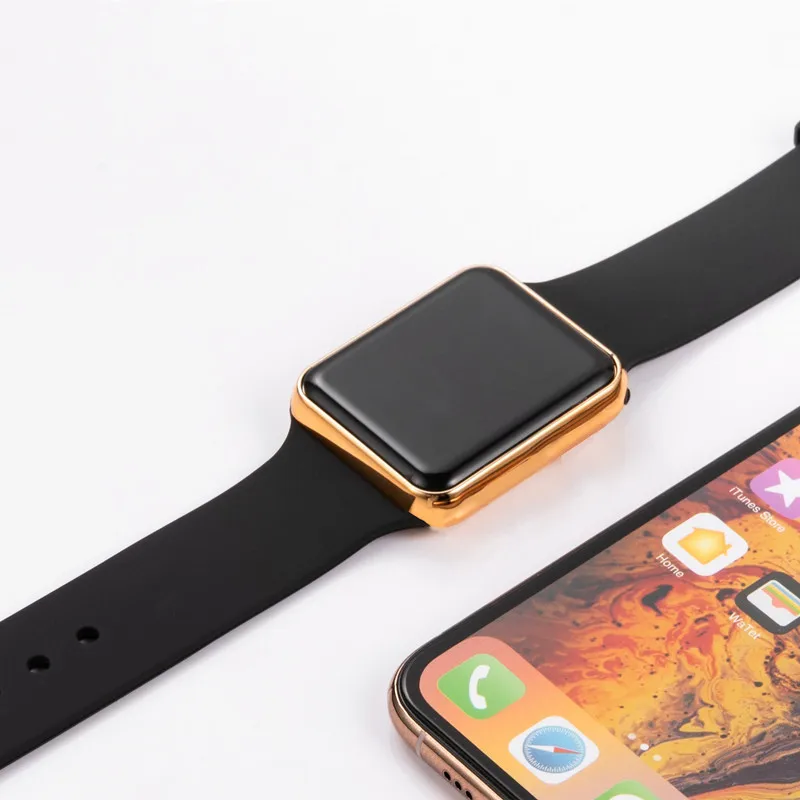
-Case Material:Acrylic
Band:
-Band materal: Silicone
-Clasp type: Buckle
Size:
-Watch length: about 25cm
-Dial diameter: about 3.5cm
-Band width: about 2.2cm
-Dial thickness: about 0.8cm
Package:
-1X watch (Battery included in the watch)
Waterproof Description :
-(Life waterproof) can only splash a little water can not be washed or in the bathroom Diving pool,please notice.
Note: Because measurement tools is different,so may be slight deviations,above information is just as a reference.
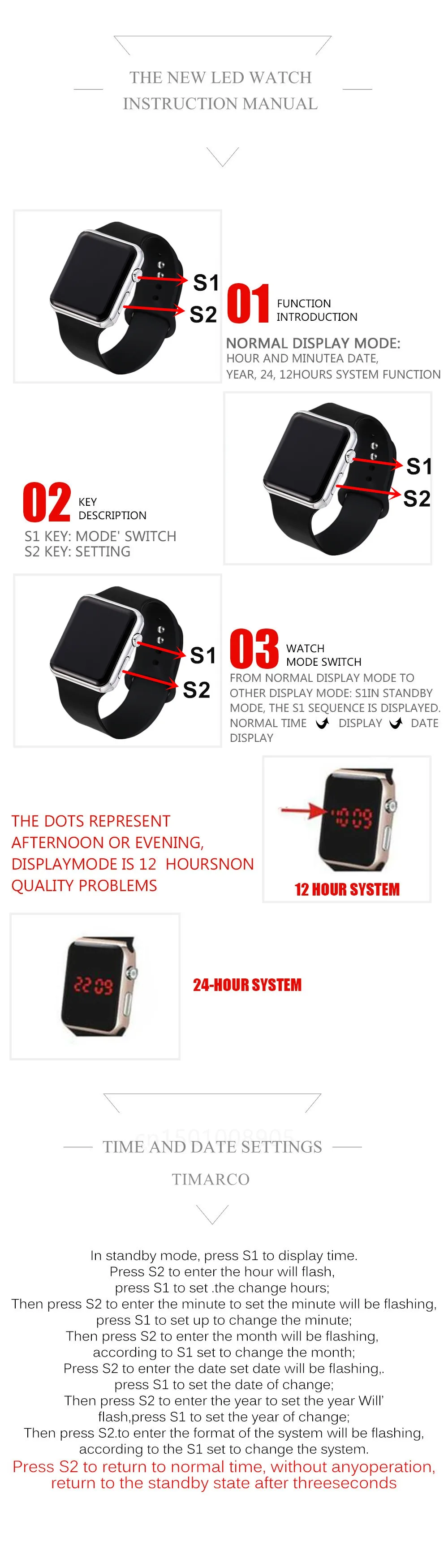




Instructions for use:
The new LED watch instruction manual· Function introductionNormal display mode:hour and minute
A date, year, 24, 12 10;09 S1hours system function
* Key description S2S1 key: mode" switch S2key: setting
' Watch mode switch
From normal display mode to other display mode: S1In standby mode, the S1 sequence is displayed.Normal time display ,date display
The dots represent Afternoon or evening,display Mode is 12 hours,Non quality problems
Time and date settings
In standby mode, press S1 to display time.
Press S2 to enter the hour will flash, pressS1 to setthe change hours;Then press S2 to enter the minuteto set the minute will be flashing, press S1 to set up tochange the minute; Then press S2 to enter the monthwill be flashing, according to S1 set to change themonth;Press S2 to enter the date set date will beflashiI press S1 to set the dat?of change;ThenpressS2 to enter the year to set the year WiIí 'flash,press S1 to set the yéar of change; Then press S2to enter the format of the system will be flashing,according to the S1 set to change the system.
Press S2 to return to normal time, without anyoperation,return to the standby state after threeseconds
Related products
-
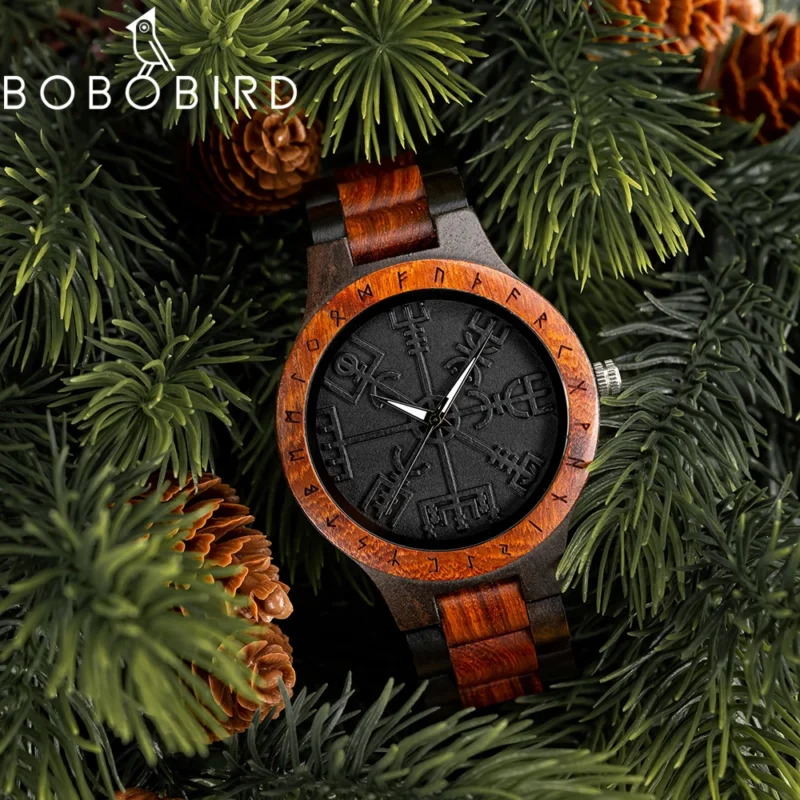
BOBO BIRD Watches For Man Viking Odin Rune Men Quartz Wristwatches Cultural Totem Dail With Wooden Strap Reloj De Hombre
Price range: $97.14 through $106.86Add To Cart This product has multiple variants. The options may be chosen on the product page -

Seagull New Business Watch Men’s Mechanical Wristwatches 50m Waterproof Leather Valentine Male Watches Relogio Masculino 6075
Price range: $296.14 through $304.24Add To Cart This product has multiple variants. The options may be chosen on the product page -

3 Pcs Set Seamless Panties for Women Breathable Low Waist Sexy Underwear Solid Silk Briefs Invisible Seamless Panties Woman
Price range: $28.00 through $29.83Add To Cart This product has multiple variants. The options may be chosen on the product page -
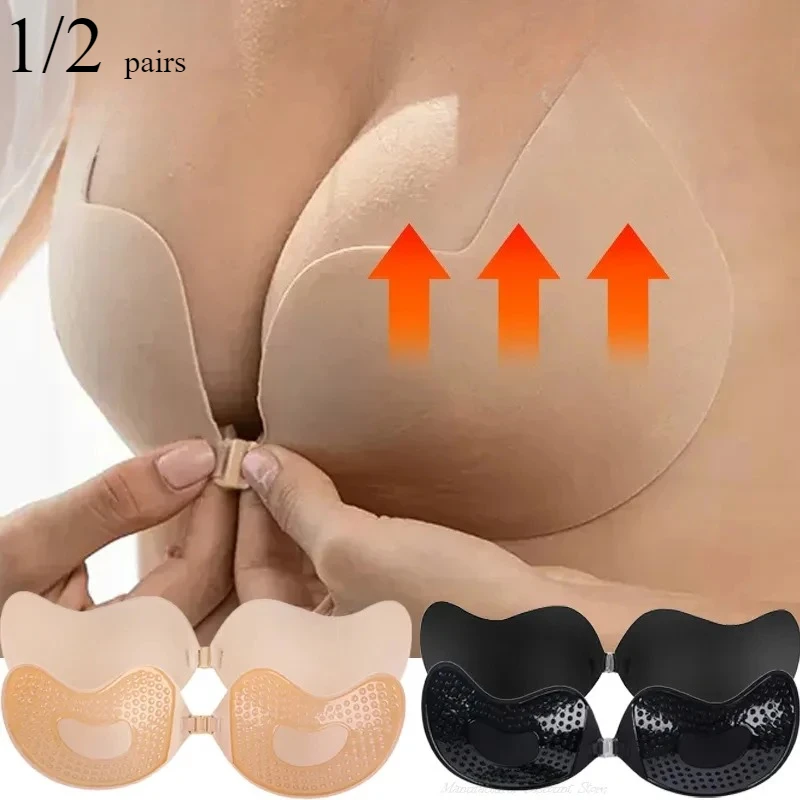
Invisible Push Up Bra for Women Backless Strapless Bra Seamless Front Closure Bralette Underwear Silicone Self-Adhesive Bra Pad
Price range: $9.01 through $12.82Add To Cart This product has multiple variants. The options may be chosen on the product page